 Email Notifications for Google Forms
Send customized email notifications to form respondents and anyone else when someone submits your Google Form.
What makes Email Notifications an indispensible companion for your Google Forms
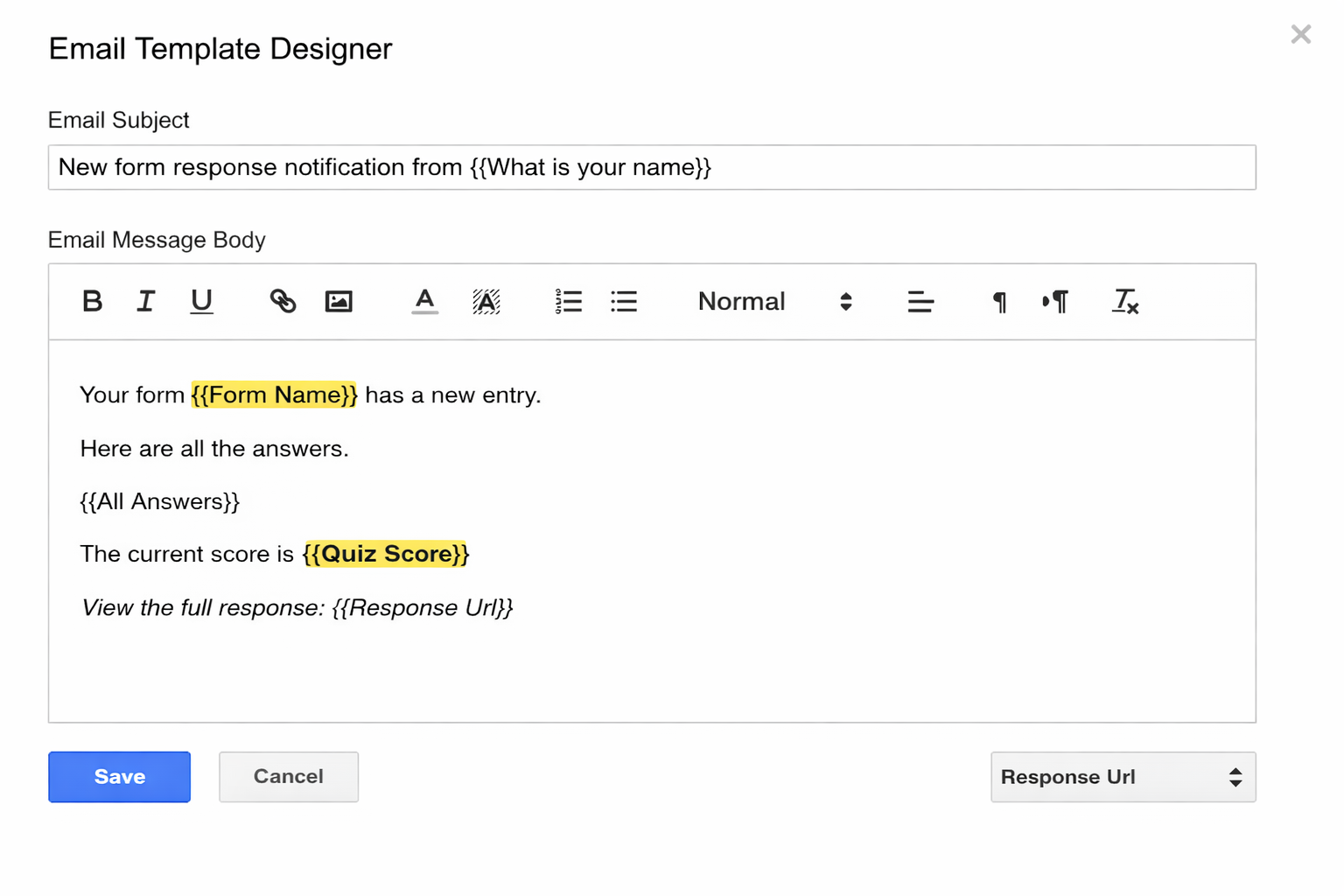
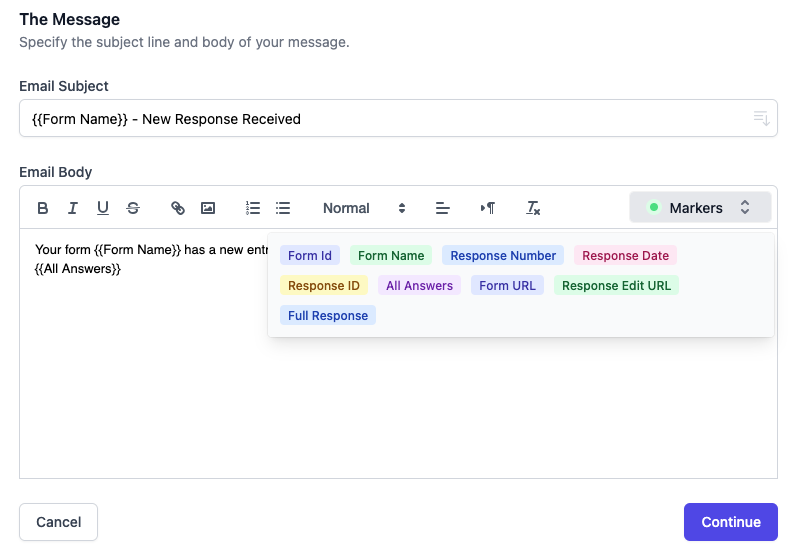
Use the built-in email designer to create emails or write emails in HTML. Add variable form fields with markers.
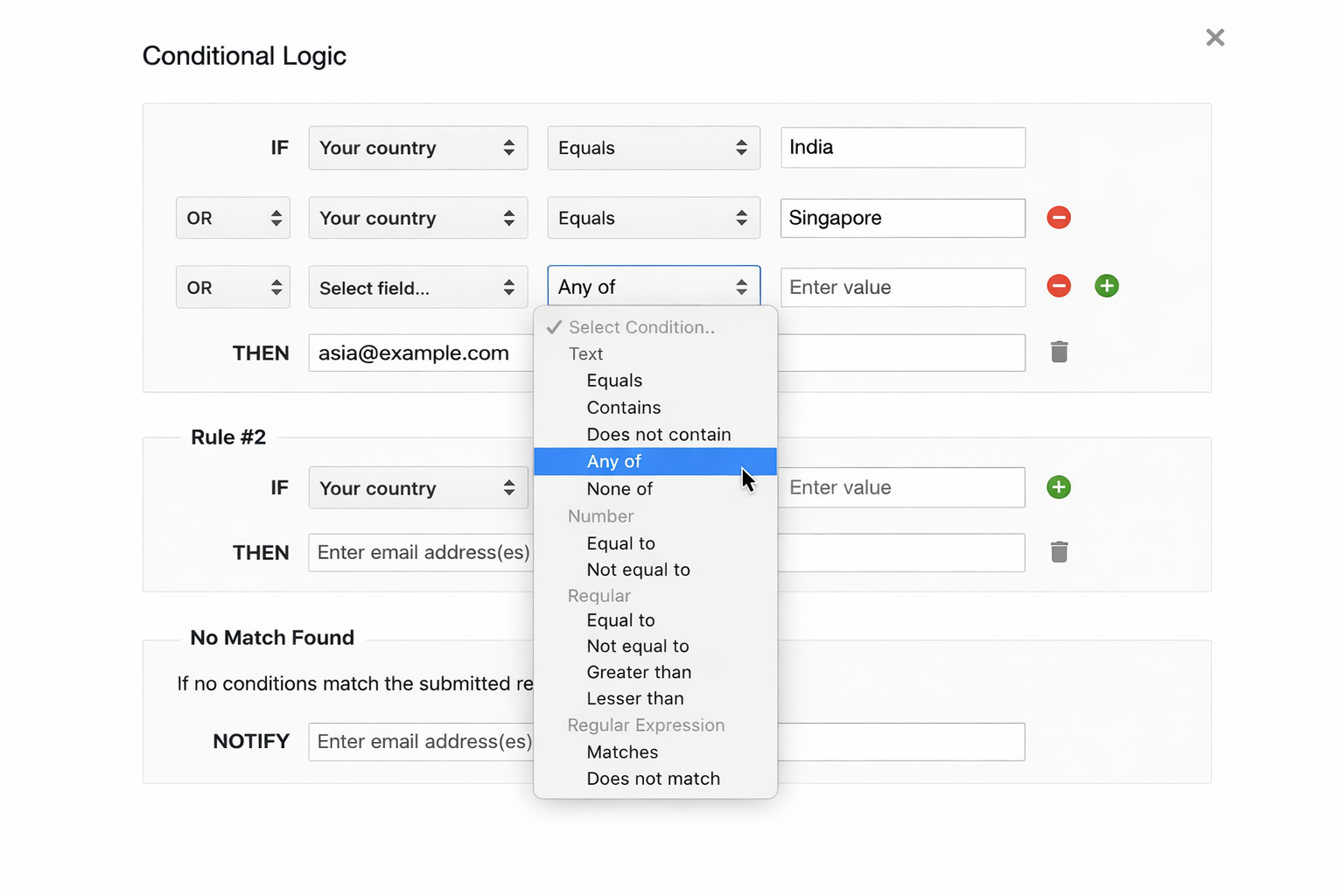
Send emails to different people based on answers in the Google Form. Create simple AND, OR conditions or use regex for complex matches.
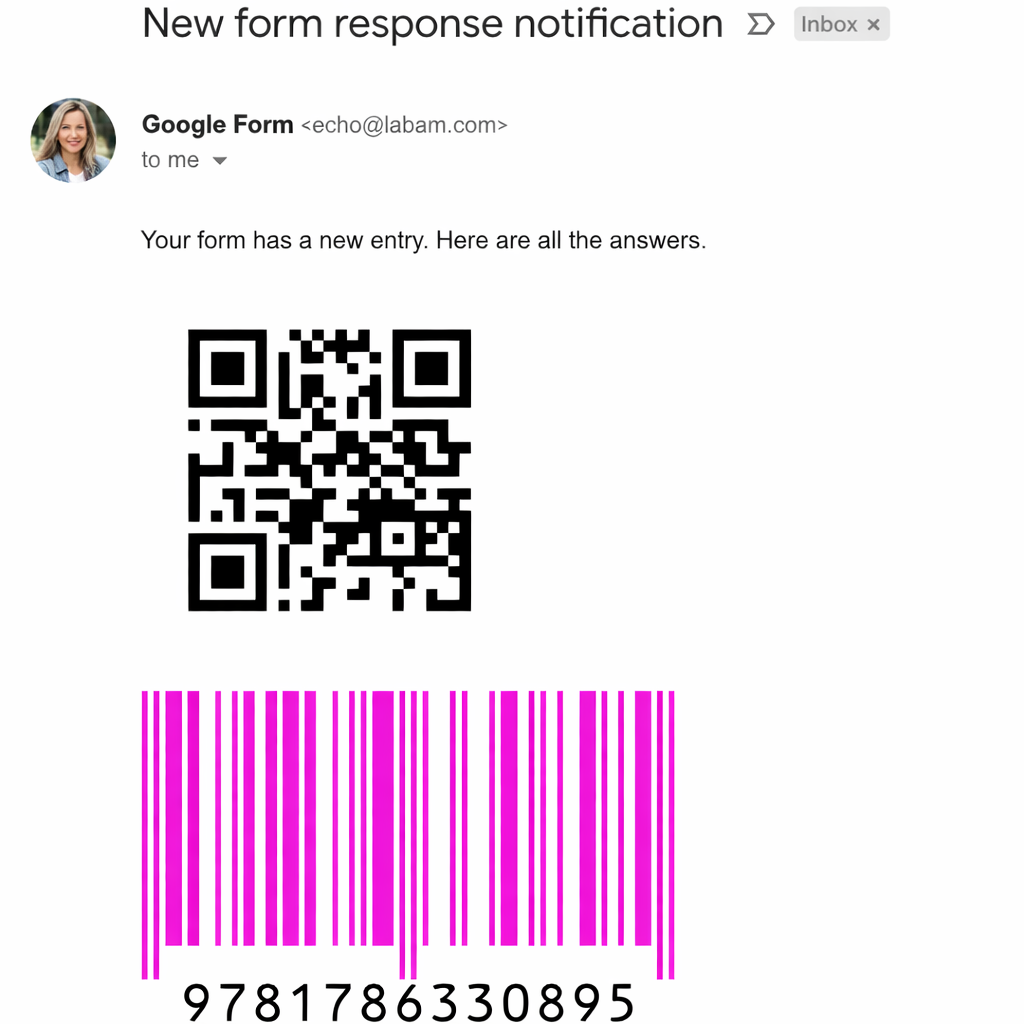
Easily embed dynamic QR Code and Barcode images in email responses. Supports UPC, GS1, ISBN, Postal and all popular Barcode formats.
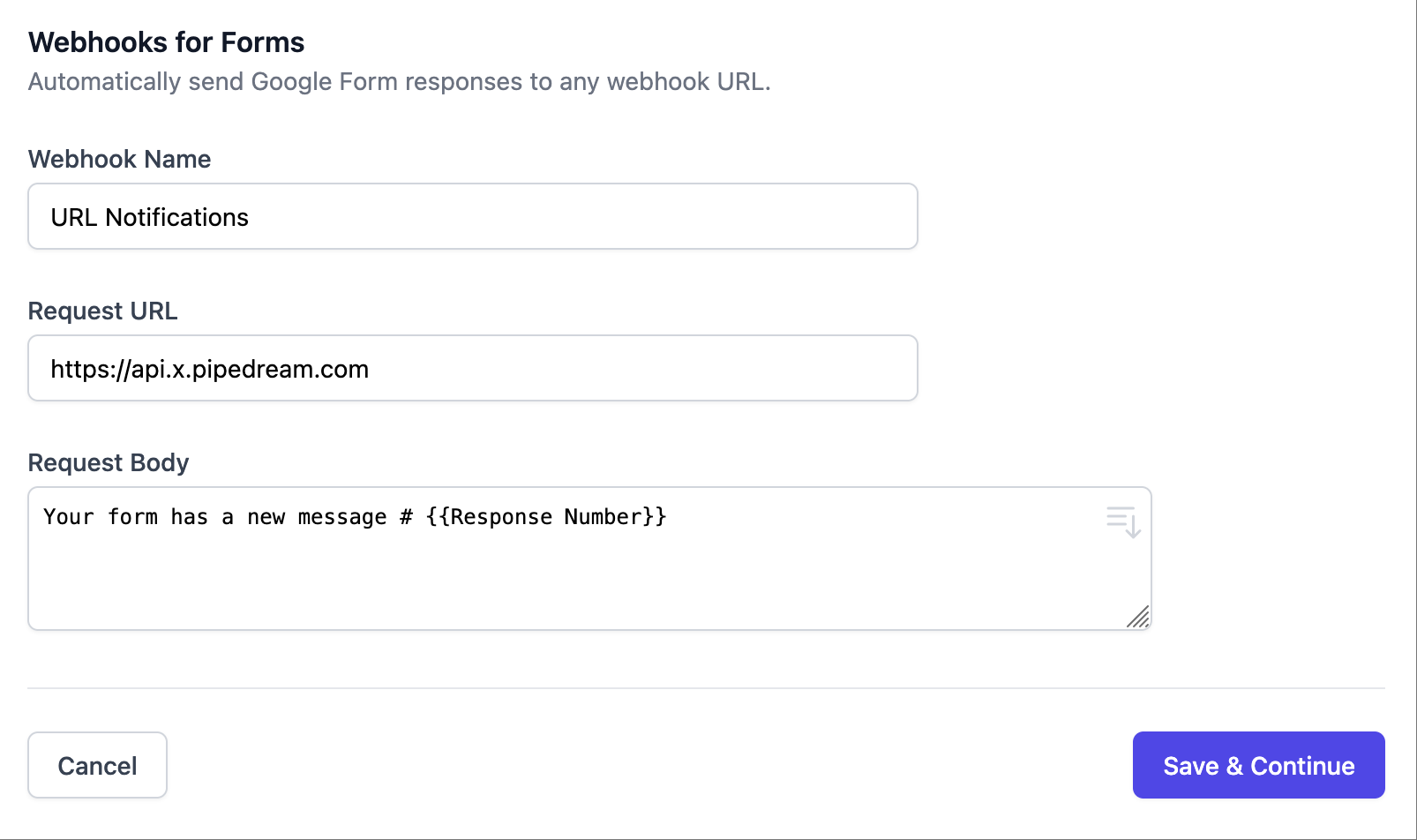
When a new entry is received in Google Forms, immediately send a push notification (HTTP request) to any webhook URL.
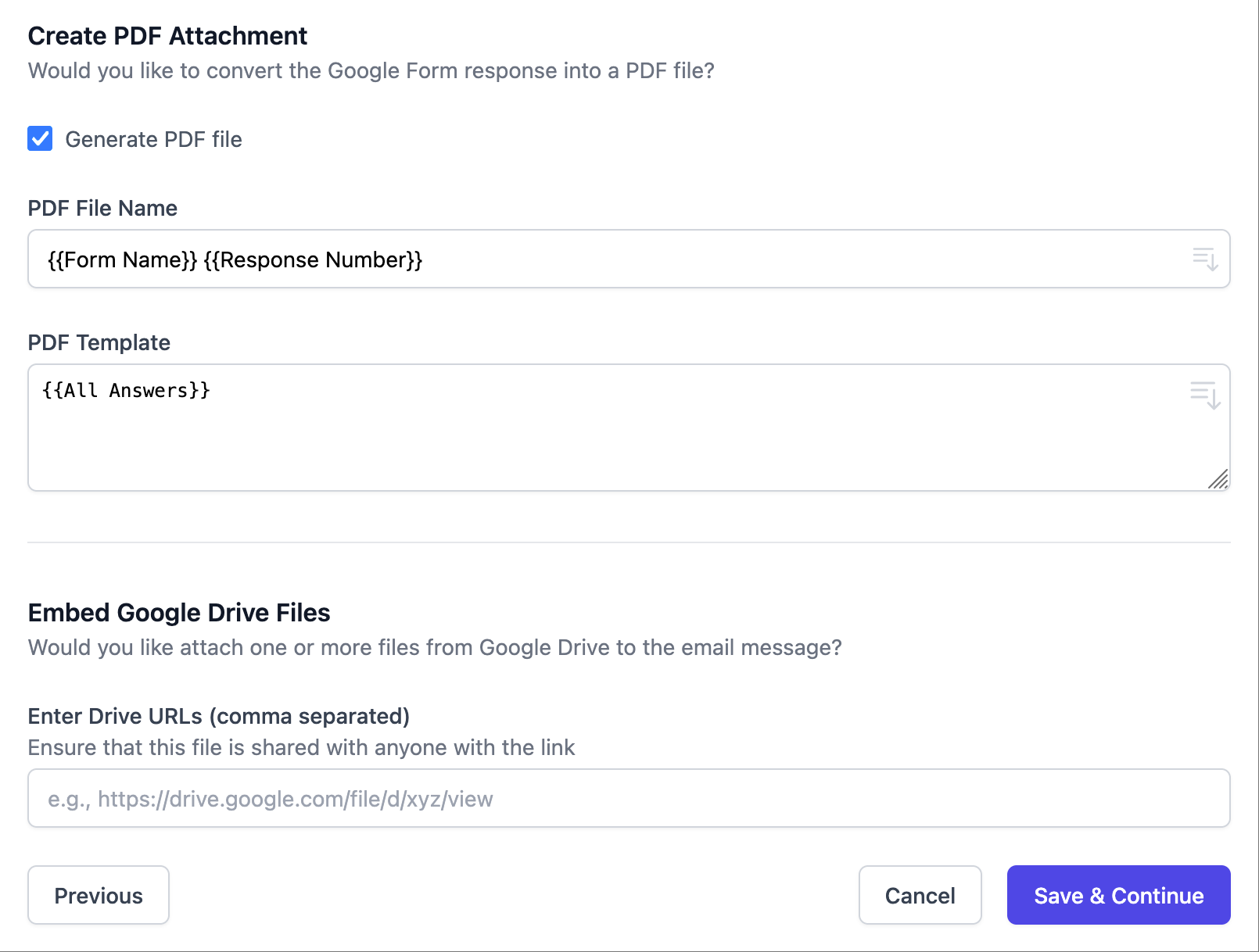
Send PDFs, Microsoft Office files, Audio, and other files from Google Drive as attachments in your email notifications.
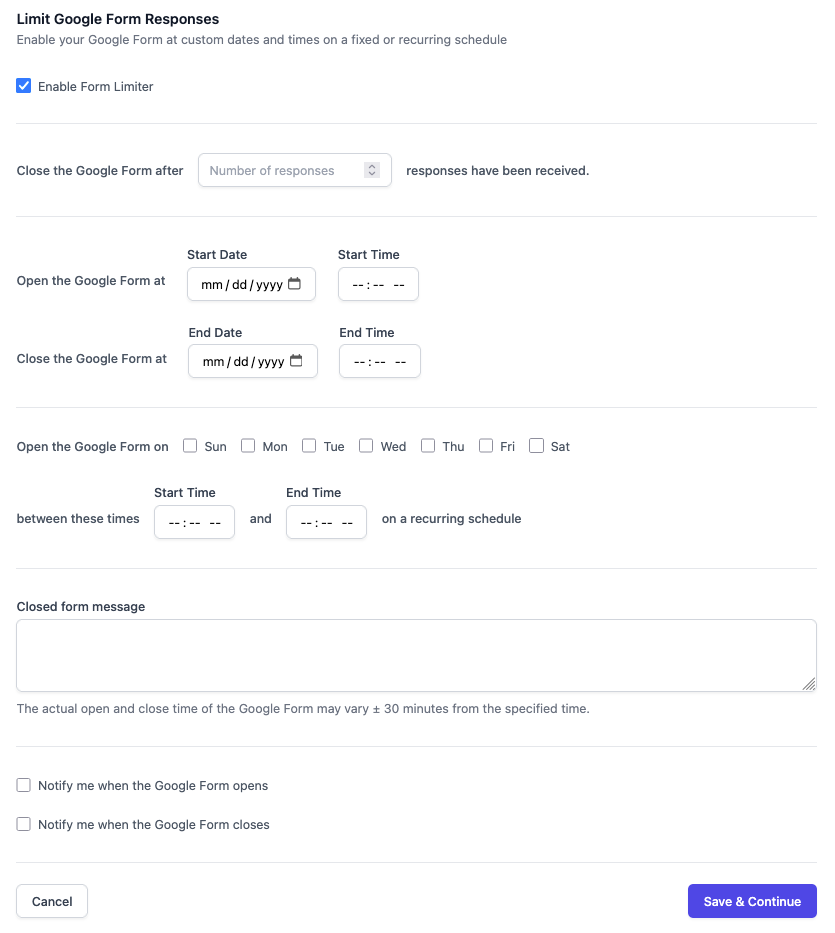
Specify a schedule and your Google Form would be closed automatically outside the schedule. Or close the form after specified number of entries are received.
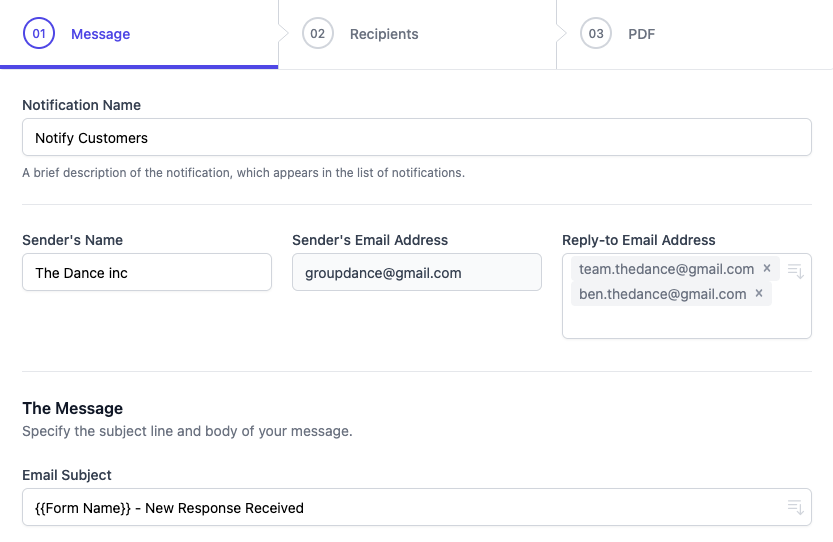
Send emails from different email aliases, add CC and BCC, choose a different reply-to address, change sender's name and more.
Add form fields in email messages, format your emails with HTML tags, add form response edit link in emails.
All your data stays in your Google account (Drive, and Google Forms) and never resides on our servers.
Please send us a message by email at [email protected] and we will get back to you as soon as possible.